Brief
Your portfolio website requires that you do the following:
- Register a domain name through Squarespace, GoDaddy, or another registration service. It is OK for this assignment to use a subdomain such as yourname.tumblr.com, but for your own sake, you’ll want to learn how to actually register a domain name and link it to a site while you are in a class and can ask for help.
- It is recommended that you select a domain that is your name (firstlast.com) or a variation thereof.
- If your name (firstlast.com) is unavailable as a URL, try the following:
- firstmiddlelast.com
- firstlastart.com
- firstlaststudio.com
- firstlastprojects.com
- thefirstlast.com
- first-last.com
- try .co, .org, .us, .net (but .com is the most commonly used and expected)
- Obtain hosting and server space. It is OK if you are not hand coding your site, but you should be able to alter the HTML and/or CSS to your preferences.
- This can be done through a CMS service like the ones on our Hosting page.
- You can also use a plain hosting service like Media Temple, Go Daddy, Reclaim Hosting, Blue Host, or others where you have more control, but maybe need a bit more knowledge of server back ends.
- If you are looking at an e-commerce site, try Shopify or Squarespace.
- Design a responsive, multi-page site with navigation, consisting of at least four pages, one of which must be a Bio/CV page.
- You can organize work into categories and/or years.
- Your index/landing page counts as one page.
- You should include a contact link or page on your site.
- The Bio should be a minimum of 150 words and feature 3–5 SEO terms that you think are key to indexing your site.
- You must personalize the code in at leave five key areas beyond the parameters of the initial templates you used. If you are coding by hand, chances are you are copying and pasting code from an outside source, so you should be able to alter that to changs sizes/colors/fonts/hover states/positions/etc. If you are working with a CMS, you will need to alter the HTML (if it allows) and/or the CSS to customize the look and function of the site. Just using the built-in features of a CMS to change font colors or add a logo is not sufficient. The changes should involve coding.
- Add metrics such as Google Analytics. In your supporting document, include information about which analytics you are using for your site and include a screen grab.
Supporting Document
The Supporting Document should use the supplied template and be submitted as a Word doc or PDF. It should outline the choices that you made, include information on the analytics you are using, customizations you have made to your site, and any other information that is helpful to understand the work and through you’ve invested in the project. This should be no more than a page and a half.
What to Do and Consider
- Consider following the style guide you created for your exhibition identity, so there can be continuity between different interactions with your work.
- Consider how to best present your work and the flavor of your work.
- Think of the color pallete of your work. What colors will compliment and help show off your work? How might the color scheme you pick for your site work as your work changes and evolves?
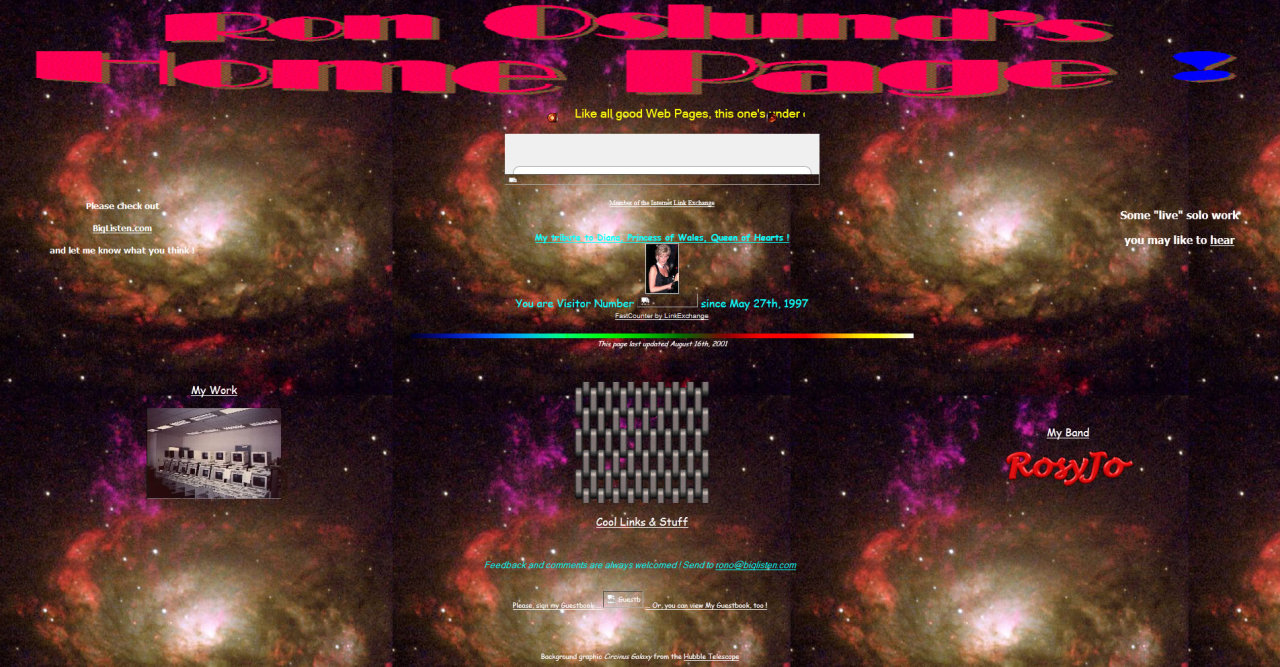
- Do you want a quiet design, or a more loud, “ugly” design?
- Which works will you highlight?
- Remember that this may be a primary point of contact for curators, collectors, and employers. Think of how you present yourself. It’s often best to not throw in everything and the kitchen sink. You don’t want to show anime drawings, landscape paintings, performance video work, family photos, and fan fiction all together. It makes you look unfocused.
- Consider SEO and how search engines will index your site. This means you have to think about your text, keywords, registering your site for indexing, and other factors.
- Your bio is the best option to maximize your SEO. Think strategically about the 3–5 terms you want to focus on. These can include variations on your name, mediums in which you specialize, central concepts, methodologies, geographic location, etc.
Portfolios
- Lauren Alleman
- May Asai
- Ainsley Bird
- Alyssa Brown
- Claire Corey
- Allison Durfee
- Talavou Fitisemanu
- Avlynn Hammond
- Emma Hunter
- Kaden Kirk
- Beth Kivi
- Maddie Orme
- Abbie Platt
- Aubrie Yingling
Grading
Assignment grades will be based on the following:
- Conceptual Concerns (40%)
-
Student demonstrates evidence that they understand and inventively integrate conceptual concerns and implications of print and web design.
- Excellent: Student demonstrates conversational familiarity with the material—making interesting connections between ideas, readings, and presentations.
- Average: Student is able to recall and recite material, but not do anything interesting with it.
- Below Average: Student struggles to demonstrate a grasp of the material and shows no facility in connecting ideas or new thinking.
- Execution (40%)
-
When executing a project, the student demonstrates a firm grasp of the materials, techniques, hardware, and software. The student’s skills and approach are appropriate to their concept. In written/oral assignments, this includes proper spelling, punctuation, sentence structure, grammar and formatting for written assignments; and annunciation, confidence and focused arguments for oral assignments.
- Excellent: Student displays skills and sensitivity when creating projects. The level of craft and approach to making is appropriate to the concept. In written/oral assignments, student understands writing and presentation modes including style guides and oral confidence and is able to nimbly employ these tools in their art projects, writing, and speaking.
- Average: Student work shows some flaws in their understanding of materials and skills. Stylistic and formatting mistakes are present.
- Below Average: The execution is unconsidered and hasty. Student repeatedly makes the same mistakes and ignores instructor input and suggestions.
- Assessment/Critique (10%)
-
The student will produce a self-evaluation for each art project including the strengths and weaknesses of a given work and plans for future improvement. This will also include an accounting of time taken. The student will also be present for and participate in group critiques of projects.
- Excellent: The student thoughtfully and honestly engages in the self-reflective process of critiquing their own work and efforts. The student enthusiastically engages with group critiques, seeking ways to offer constructive feedback to other students.
- Average: The student performs a cursory and surface-level assessment of their work and efforts. They make neutral comments during the group critiques and do not fully engage.
- Below Average: The student demonstrates an inability to honestly engage with their work as it exists in the world, and does not adequately participate in group critiques, or is absent/tardy.
- Following Instructions (10%)
-
The student adheres to the guidelines provided for the course and the assignment. If the paper has a particular framework, the student adheres to that framework. If an assignment is to be submitted as a Word doc on Learning Suite, the student does not email the instructor a PDF.
- Excellent: A detail-oriented student who takes instruction and fastidiously executes it within their work.
- Average: A student who misses some details because they didn’t read instructions thoroughly or take proper notes when instructions were given.
- Below Average: Student ignores basic instructions and guidance given for assignments.
- On-time Submission
-
Projects lose 5 points (our of 100) per 24-hour period they are late. If an assignment is submitted 5 minutes late, that is within the first 24-hour period, so it loses 5 points. If it is 27 hours late, that puts it in the second 24-hour perdiod, so it loses 10 points.
Learning Outcomes Addressed
- Design Fundamentals and Processes
Students will be able to implement the steps that guide a designer to effective solutions, apply compositional skills to design problems, and employ fundamentals of 2D design such as grid systems and the basics of typography.
- Technical Proficiency
Students will be able to employ the technical fundamentals of print and web design and production.
- Professional Practices
Students will be able to employ professional practices in supporting their art through a portfolio website and awareness of professional opportunities for studio artstis to deploy their art skills in commercial contexts.